Website Advertisement

How to turn off data sharing with DoorDash advertising partners on The DoorDash app (Video Tutorial)
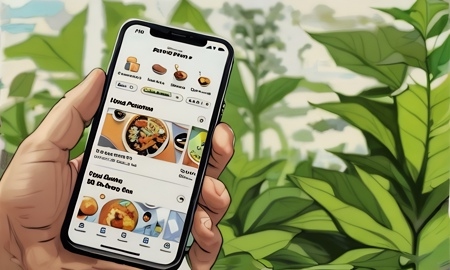
In this video I’ll show you how to turn off data sharing with DoorDash advertising partners on the app. When on the home screen tap on the account icon on the top of the screen. Then tap on settings, and swipe down to privacy and tap on it. Next swipe down to Marketing Choices and tap on Learn More below it. To turn off data sharing swipe the toggle left and tap the exit on the top.
Stay Up to Date with The Site
Follow me on these social platforms for updates on new reviews and more!
Website Advertisement