Website Advertisement


What Is the Starbucks App?
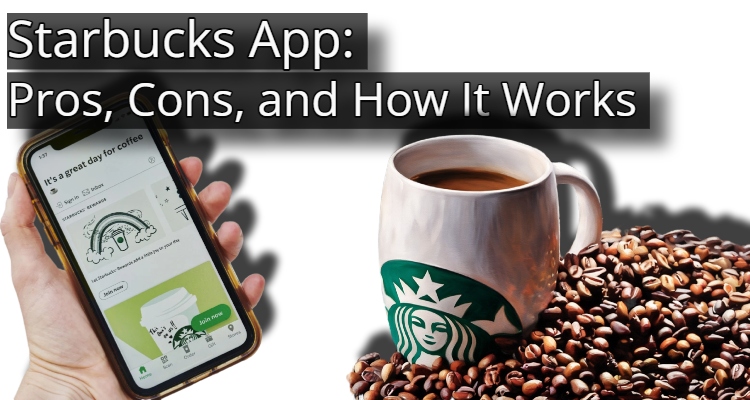
With the Starbucks app, users can order ahead and pay for their purchases using their phones, as well as track their rewards and redeem them for free food and drinks.
Website Advertisement

How To Use the Starbucks App
- Create an account.
- Enter email address.
- Create password.
- Add payment information.
- Select the items you’d like to purchase.
- Add them to your car.
- Tap pay.
Features of the Starbucks App
- Find nearby stores.
- Check out menu items.
- Get nutritional information.
- Manager Starbucks Car balance.
Website Advertisement

Pros of the Starbucks App
- You can order ahead and simply grab your drink from the pickup counter.
- Earn “Stars” for every dollar spent to redeem for free bakery items, drinks, or merchandise.
- Pay instantly by scanning a QR code.
- Adjust your milk type, syrups, and temperature easily without awkwardly explaining complex orders to a cashier.
- Quickly find the nearest locations.
Cons of the Starbucks app
- Once you submit a mobile order, it cannot be canceled or refunded directly through the app.
- Users occasionally experience app crashes, login failures, or lost connection during the checkout process.
- The specific price of an item is often not displayed until you reach the final checkout screen.
Website Advertisement

Final Thoughts
The Starbucks app is a highly efficient, time-saving tool for regular customers; however, its value has noticeably diminished for casual visitors due to devalued star rewards.
Download The App and Visit Their Website
| App Store | Google Play | Website |
Website Advertisement

Disclaimer
I do not work for or represent Starbucks. This page was created to provide information about the app.
Stay Up to Date with The Site
Follow me on these social platforms for updates on new reviews and more!
Website Advertisement