Website Advertisement

How to set up Uber’s destination filter for drivers (Video Tutorial)
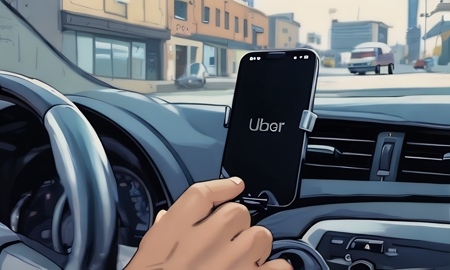
In this video I’ll show drivers how to set up Uber’s destination filter. When on the home screen tap the search icon on the top right corner. On the next screen slide the bar next to destination filter to the right. Then tap on the pencil to enter where you want to go or choose from an option below. On the next screen enter the time you want to arrive buy or choose asap. Once complete tap go online and navigate.
Stay Up to Date with The Site
Follow me on these social platforms for updates on new reviews and more!
Website Advertisement