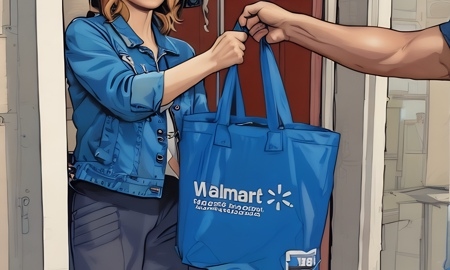
Website Advertisement

Everything Spark Drivers need to know about delivering cold and flu medicine orders with Dextromethorphan
Dextromethorphan, aka Dex, is a cough suppressant used in some over-the-counter cold and flu medications. Depending on your specific location, you may receive offers for these deliveries on Spark Driver.
Customers Eligible to Receive Dex Deliveries
State laws require customers to show drivers a valid and non-expired, U.S. government-issued photo ID to confirm they are at least 18 years old at the time of delivery.
Website Advertisement

Valid Forms of Identification Are
- Government issued.
- Include a photo that matches the customer.
- List the customer’s date of birth.
- Are not expired.
Note: If the customer is underage or provides an expired ID, the app will display an Order Return screen to help you return the order to the store.
Confirming a Customer’s ID Is Valid
State and local laws require you to confirm that the customer is of legal age and able to accept a Dex delivery.
Dex delivery customers must show a valid photo ID to the Spark Driver for inspection and scanning into the Spark Driver app.
Website Advertisement

How To Confirm Legitimacy of a Customers ID
- Legitimate ID cards have smooth, uniform edges, while fake ID cards often have uneven edges and may have a bumpy surface or glue marks.
- There can be visual differences between the customer and the individual in the photo, but facial features—such as eye shape and color, nose and ear shape, or special markers like birthmarks and scars—should be the same.
- Physical traits like weight, hair, and makeup change over time and require less scrutiny.
What To Do When You Arrive at the Customers Door
- Tap on verify ID.
- Scan the barcode on the back of the ID.
- Ensure the information matches what is shown on the id.
- Select what type of ID they gave you.
- Tap submit, then continue.
- Next tap sign and have the customer sign for the delivery.
- Then slide the Complete drop-off bar to finalize the delivery.
Website Advertisement

Stay Up to Date with The Site
Follow me on these social platforms for updates on new reviews and more!