Website Advertisement

How to report you found a lost item for Uber drivers (Video Tutorial)
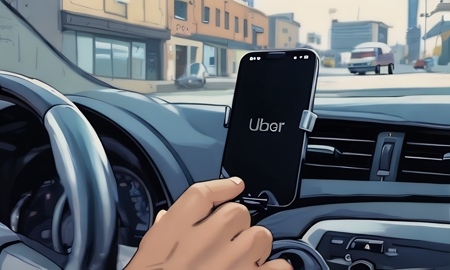
In this video I’ll show Uber drivers how to report they found a lost item. When on the home screen tap on the three bars on the top left corner of the screen. Next tap on help, then trips and tap on the trip of the lost item. On the next screen tap on Found item, then chose the trip of the lost item and tap next. You will then be able to call the rider. If the lost item should be a phone toggle right on the I found a phone and tap next. You will then be asked to verify trip and be able to ether chat with Uber support or send them a message.
Stay Up to Date with The Site
Follow me on these social platforms for updates on new reviews and more!
Website Advertisement