Website Advertisement

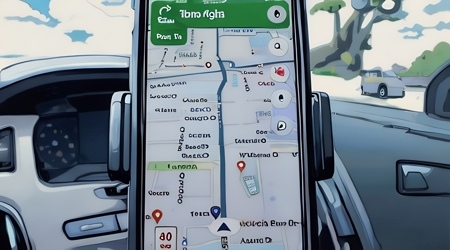
How to add multiple destinations on Google Maps (Video Tutorial)
In this video I’ll show you how to add multiple destinations on Google Maps. Once you’ve added your first destination, tap on directions in the bottom left. Then tap the three dots next to your location. Then, tap on add more. You can add up to 9 stops. To move your destinations into a different order tap on the three bars next to a destination to move it up or down.
Stay Up to Date with The Site
Follow me on these social platforms for updates on new reviews and more!
Website Advertisement