Website Advertisement

How to use rewards for an item on the McDonald’s app through the drive thru (Video Tutorial)
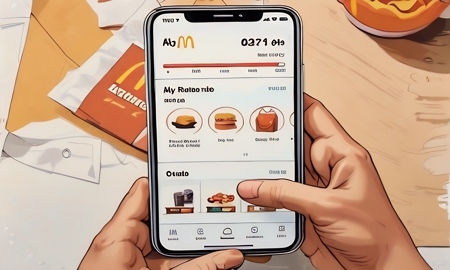
In this video I’ll show users of the McDonalds app how to use rewards for an item through the drive thru. Once the app is opened tap on Rewards & Deals, then tap on view all next to my rewards. Next tap on the item you would like to redeem. Then tap on use at restaurant, when you arrive to the speaker to order give the associate the 4-digit pin. The item you redeemed will automatically be added to your order you can choose just to get that item.
Stay Up to Date with The Site
Follow me on these social platforms for updates on new reviews and more!
Website Advertisement