Website Advertisement

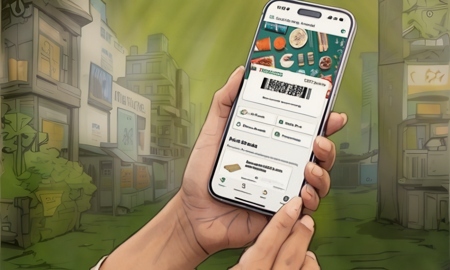
How to lock in low fuel prices on the 7 Eleven app (Video Tutorial)
In this video I’ll show you how to lock-in low fuel-prices on the 7-Eleven app. When home screen tap on fuel on the bottom right of the screen. On the next screen tap on lock price, then choose what type of gas you want, you’ll then have the best price for gas locked in for 4 days. To find 7-Elvens who will honor the price tap on Find Participating Stores.
Stay Up to Date with The Site
Follow me on these social platforms for updates on new reviews and more!
Website Advertisement