Website Advertisement

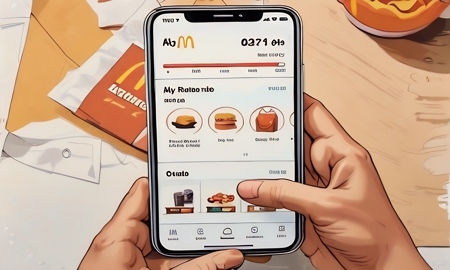
How to add money to your Arch Card balance on the McDonald’s app (Video Tutorial)
In this video, I’ll show you how to add money to your Arch Card balance on the McDonald’s app. From the home screen, tap More in the bottom right corner, then tap Profile. Next, tap Payment Methods, and then tap Preload funds to your Arch Card. On the next screen, tap Add Funds and choose how you want to add your money from the two available options. You will then be given five preset options to fund your Arch Card, or you can enter a custom amount. Next, select your payment method, and once you are finished, tap Add Funds.
Stay Up to Date with The Site
Follow me on these social platforms for updates on new reviews and more!