Website Advertisement

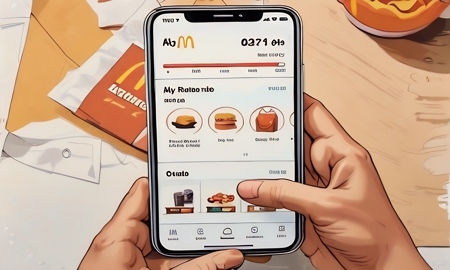
How to remove redeemed rewards or deals on the McDonald’s app (Video Tutorial)
In this video I’ll show you how to remove redeemed rewards or deals on the McDonald’s app. When on the home screen tap on earn points on the bottom of the screen. On the next screen swipe left on the already redeemed reward to delete it. You will now be able to add another if you would like.
Stay Up to Date with The Site
Follow me on these social platforms for updates on new reviews and more!
Website Advertisement