Website Advertisement

How to turn on low power mode and battery percentage for iPhone users (Video Tutorial)
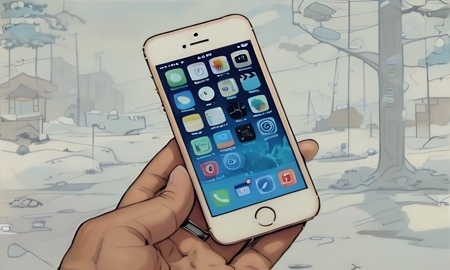
In this video I’ll show iPhone users how to turn on low power mode and battery percentage. First tap on the settings button on the main screen of your phone. Next swipe down to battery and tap on it. There swipe right on the toggle to turn on low power mode along with turn on battery percentage, so it shows the percentage of battery on the top of your iPhone.
Website Advertisement