Website Advertisement

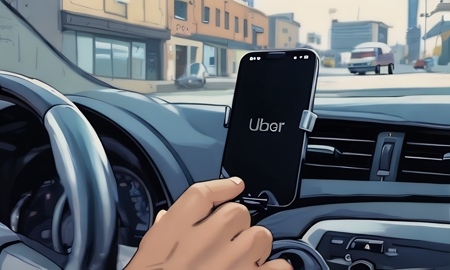
How to set up area preference trip filter for Uber drivers (Video Tutorial)
In this video I’ll show Uber drivers how to set up area preference trip filter. When on the home screen tap on the two lines on the left side on the screen underneath the map. Then scroll down to the bottom of the screen and tap on area preference. Taping on the check marks will pause you from getting rides in that certain area. Once complete tap the go back arrow.
Stay Up to Date with The Site
Follow me on these social platforms for updates on new reviews and more!
Stay Up to Date with The Site
Follow me on these social platforms for updates on new reviews and more!
Website Advertisement